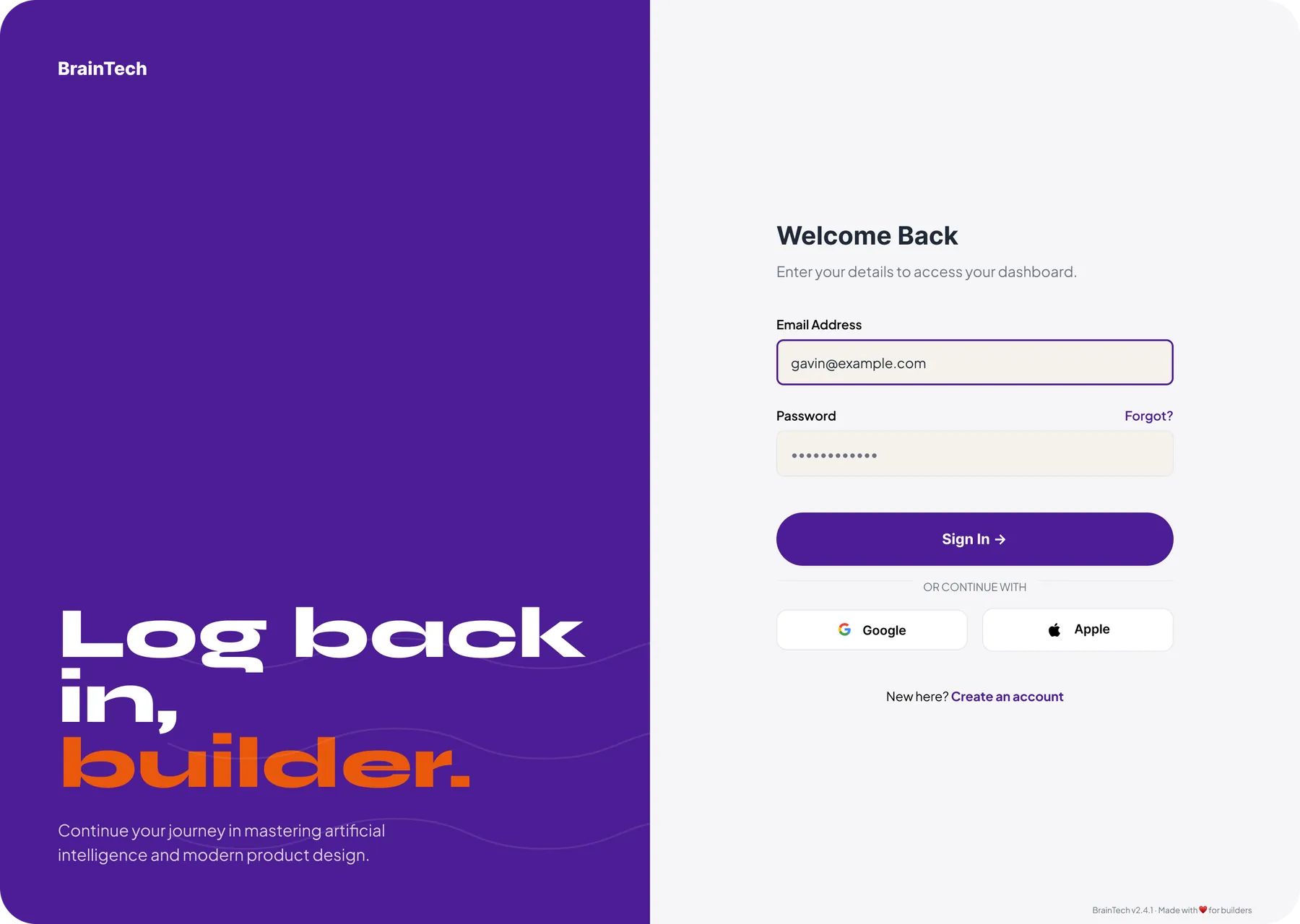
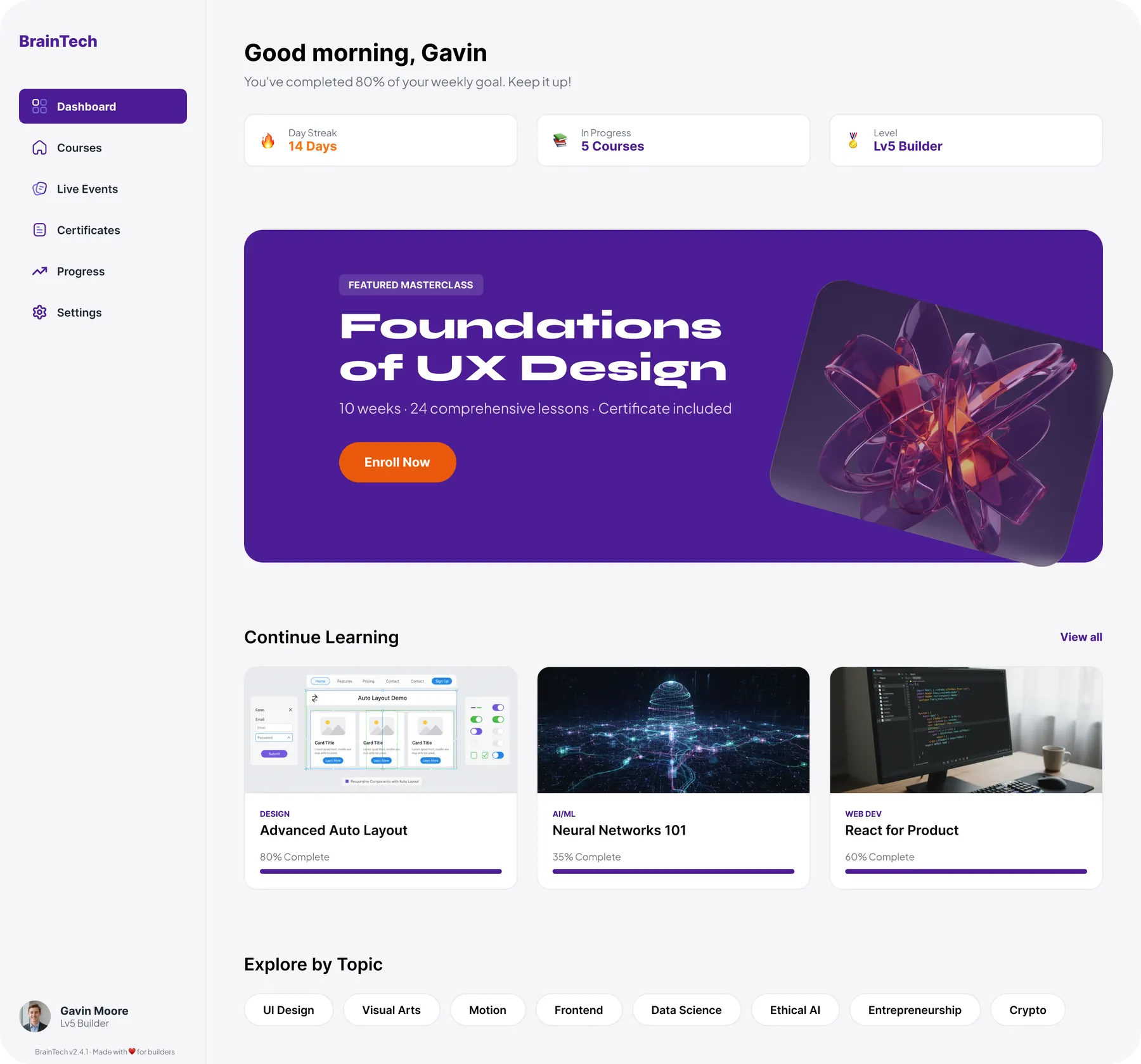
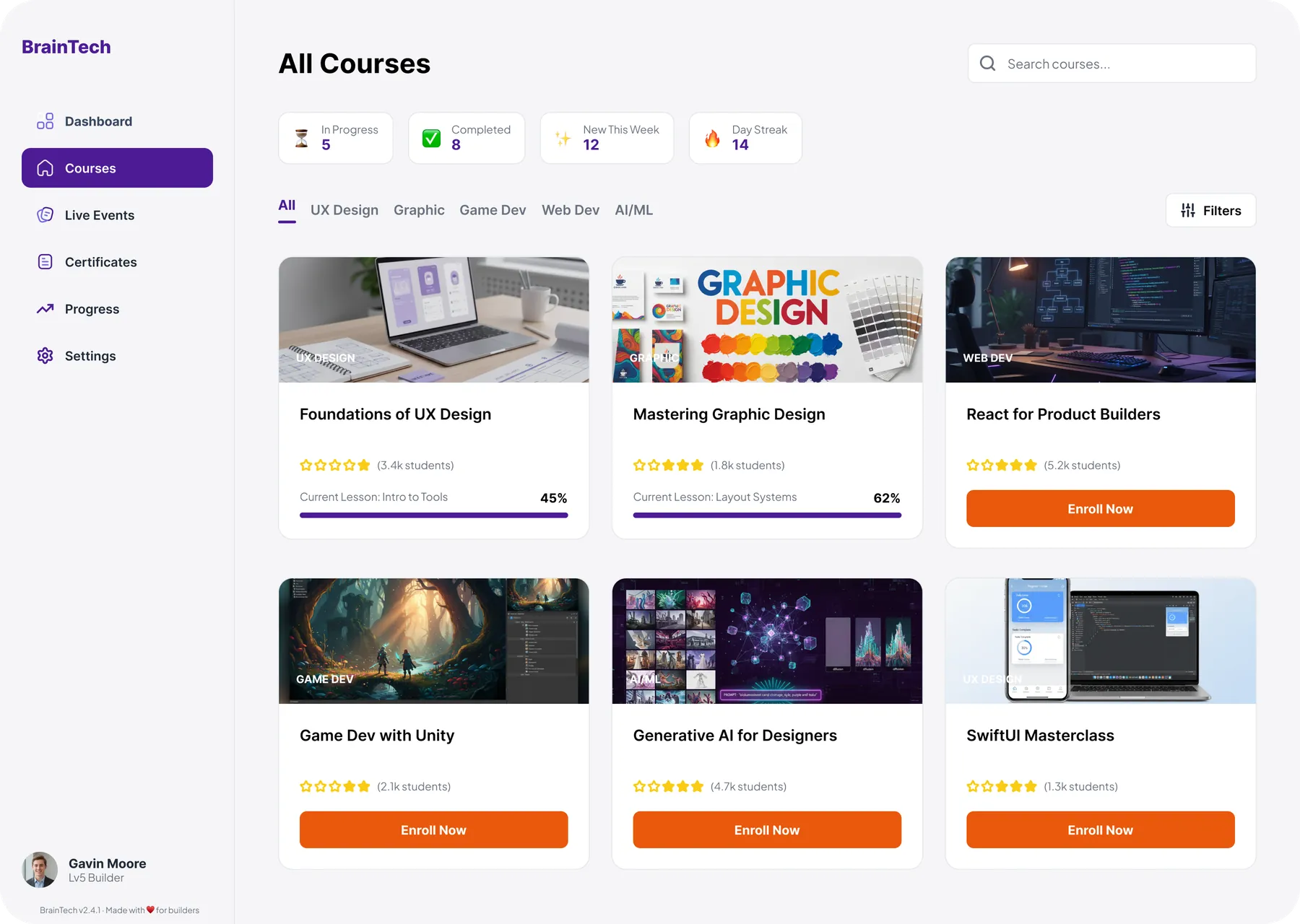
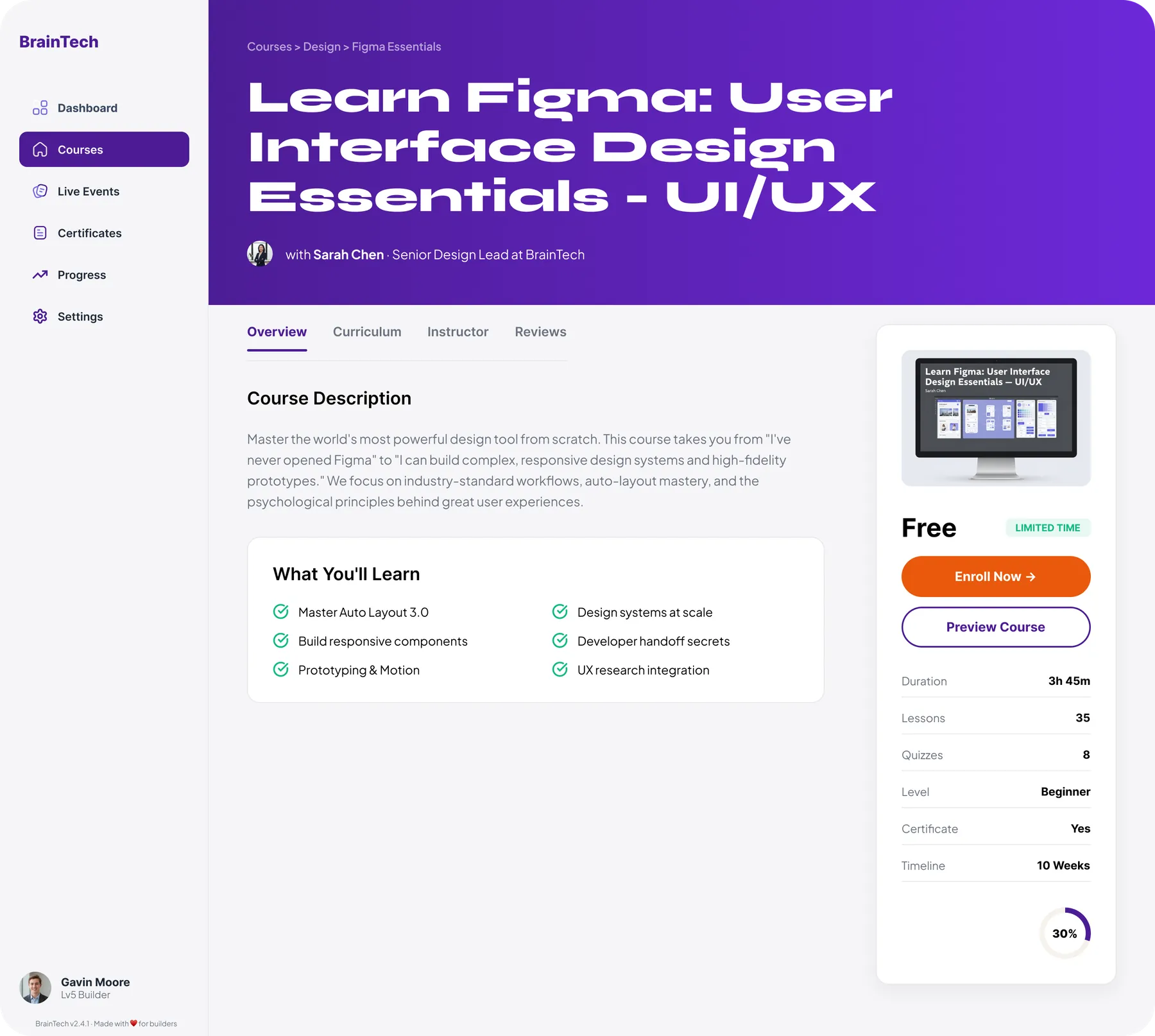
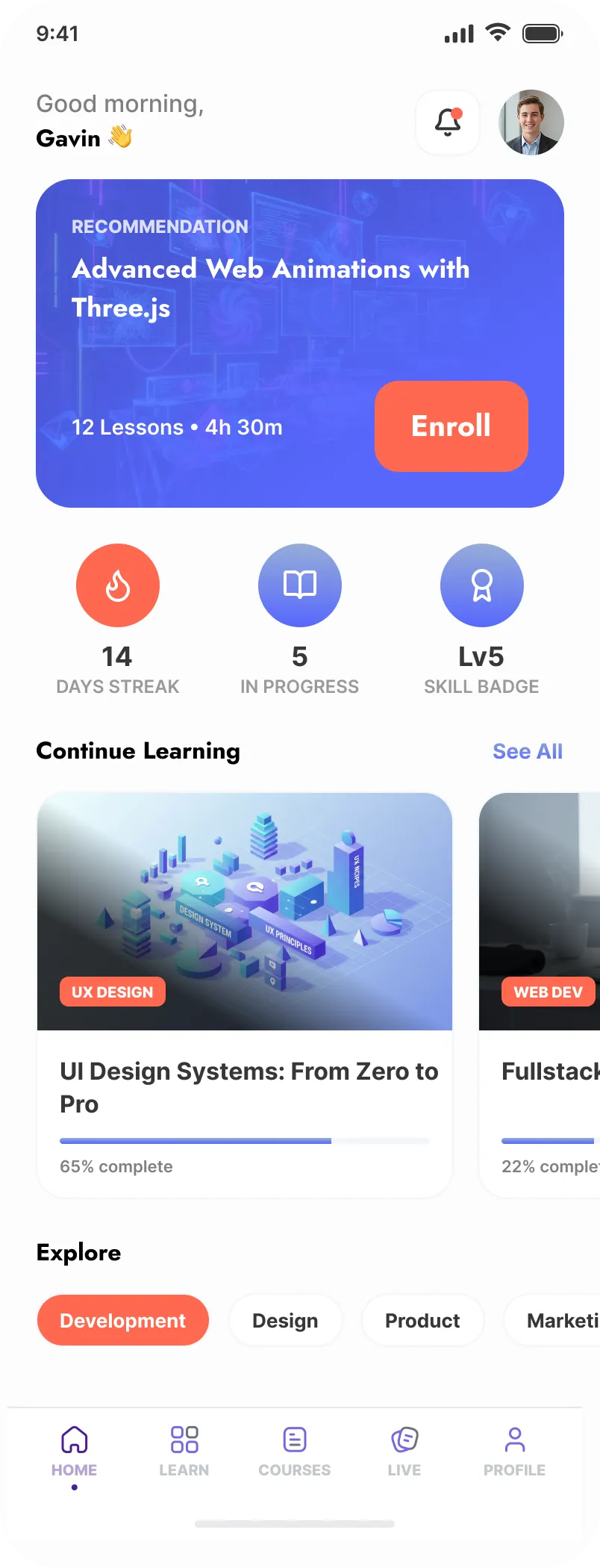
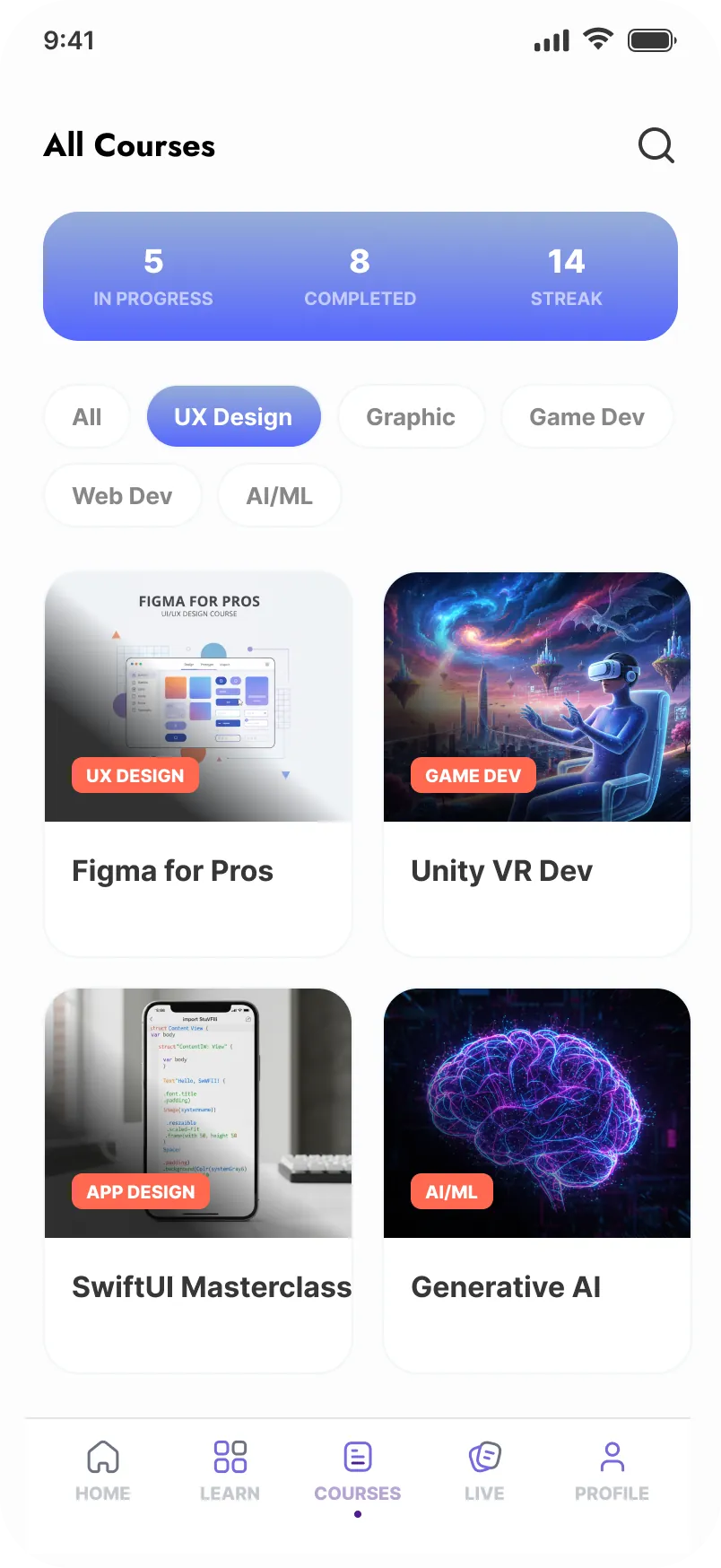
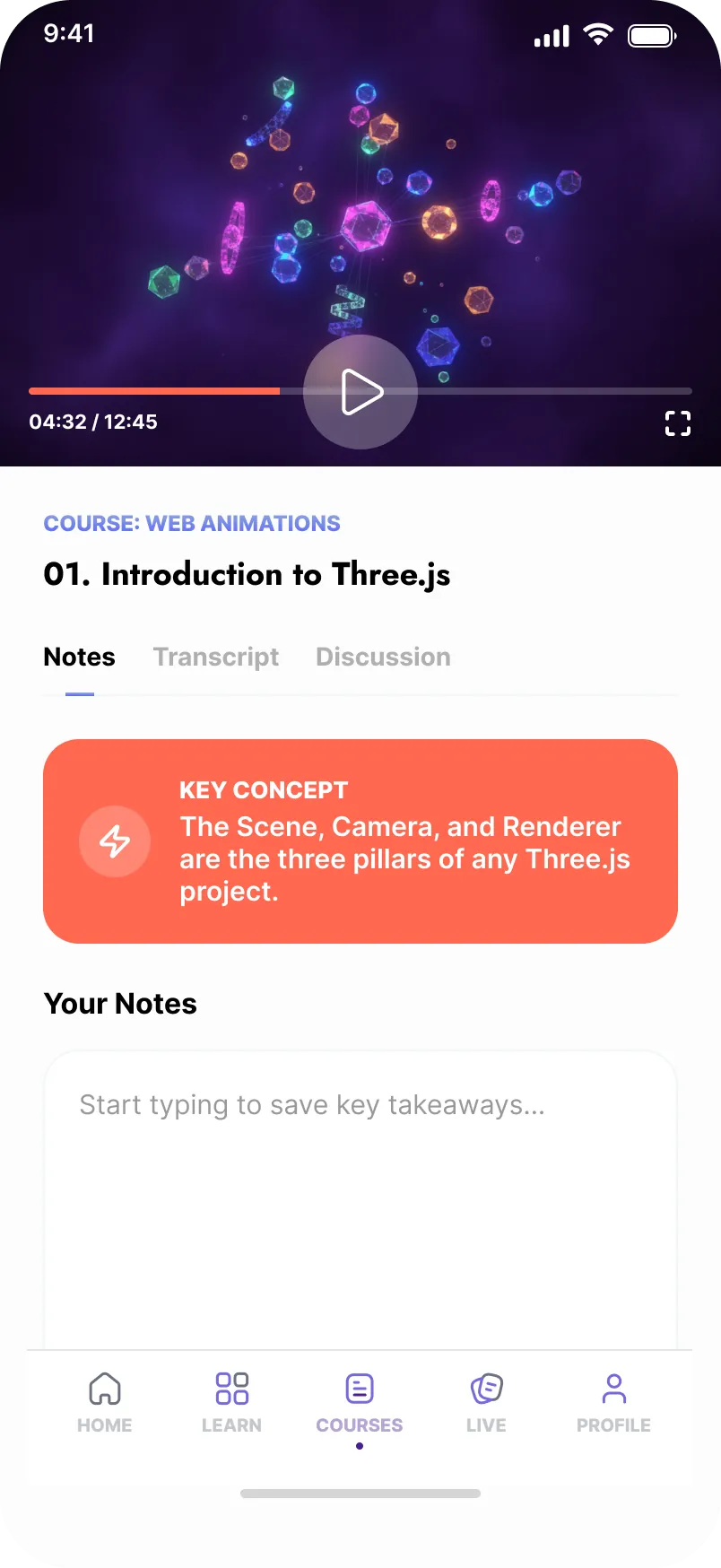
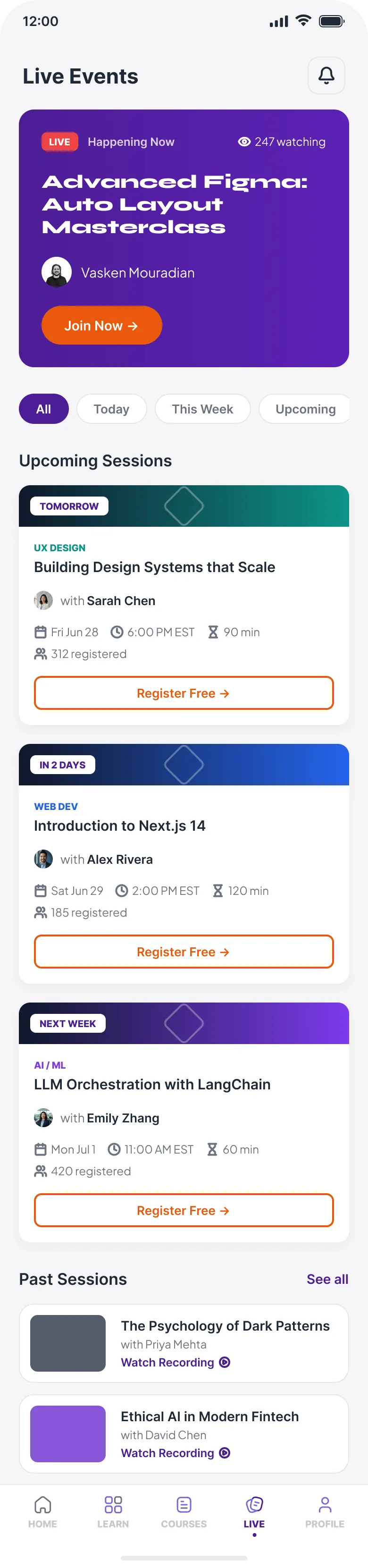
What shipped in the pilot, from the system up to the surfaces a teen actually touches.
-
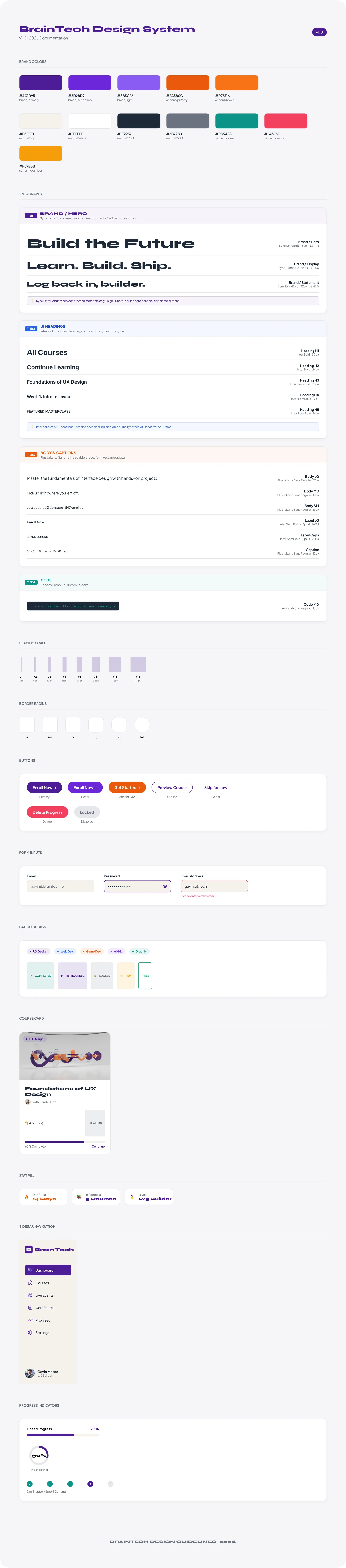
Brand identity system
Palette (violet, orange, and four semantic colors on cream), typography (Syne for display, Plus Jakarta Sans for UI), iconography, and motion principles. The visual language, defined before any screen.
-
Token-based design system
12 color tokens, 6 component families (buttons, inputs, cards, navigation, progress, status badges), plus spacing, type, radius, and elevation scales. Documented as a full design-system reference.
-
Web learning platform
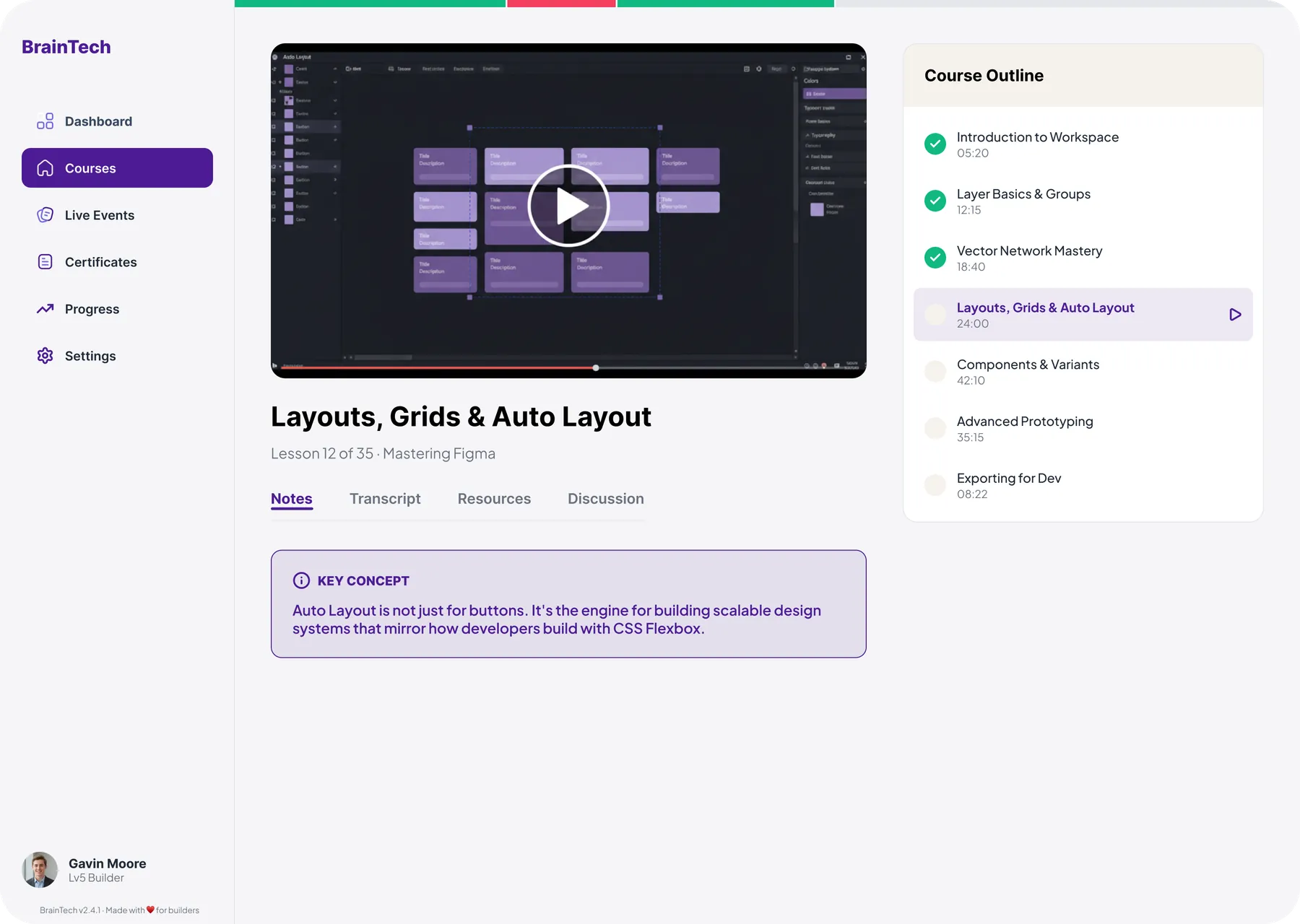
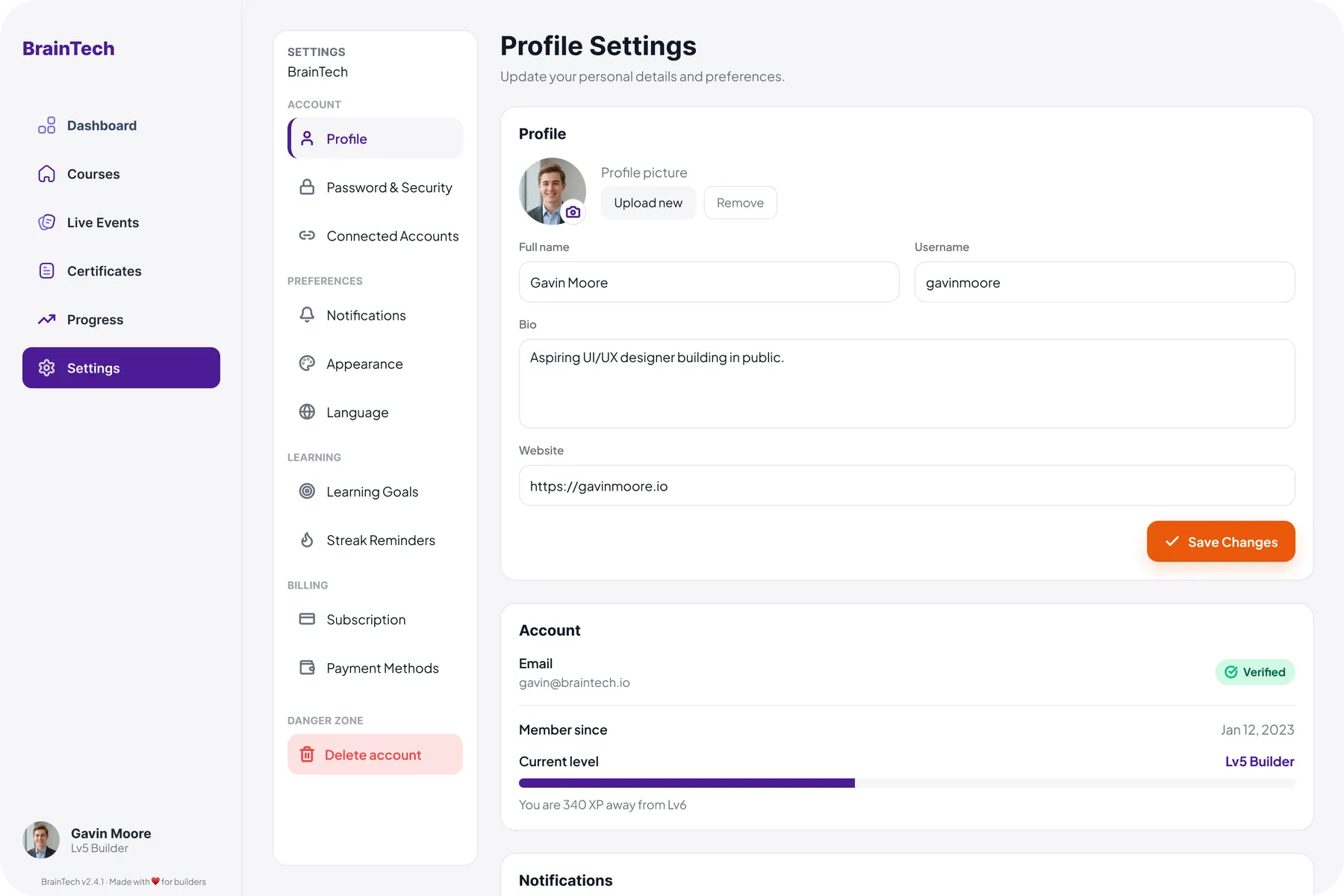
Dashboard, course catalog, course detail, lesson player, live events, a certificates gallery, and account settings. Built for a classroom laptop, with wider layouts and more density.
-
Mobile app
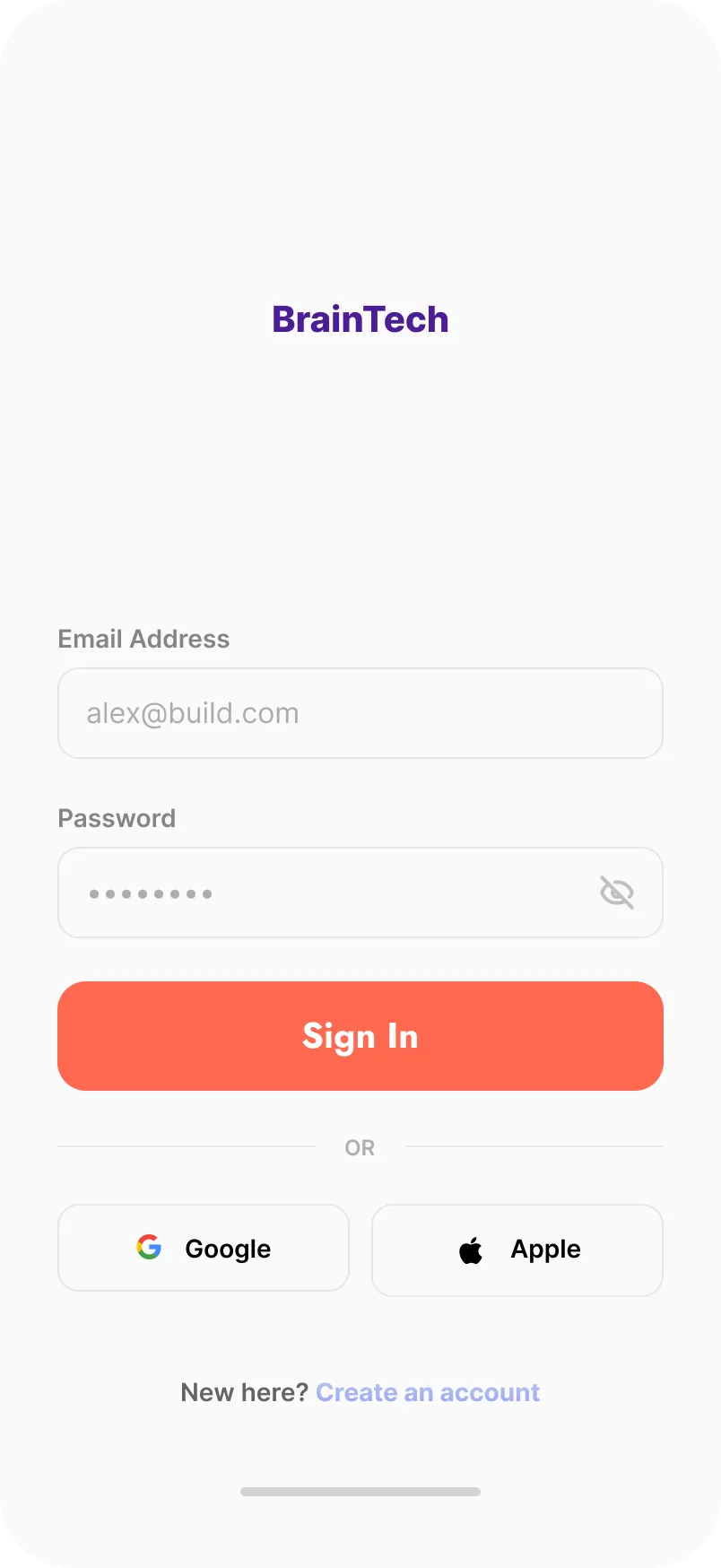
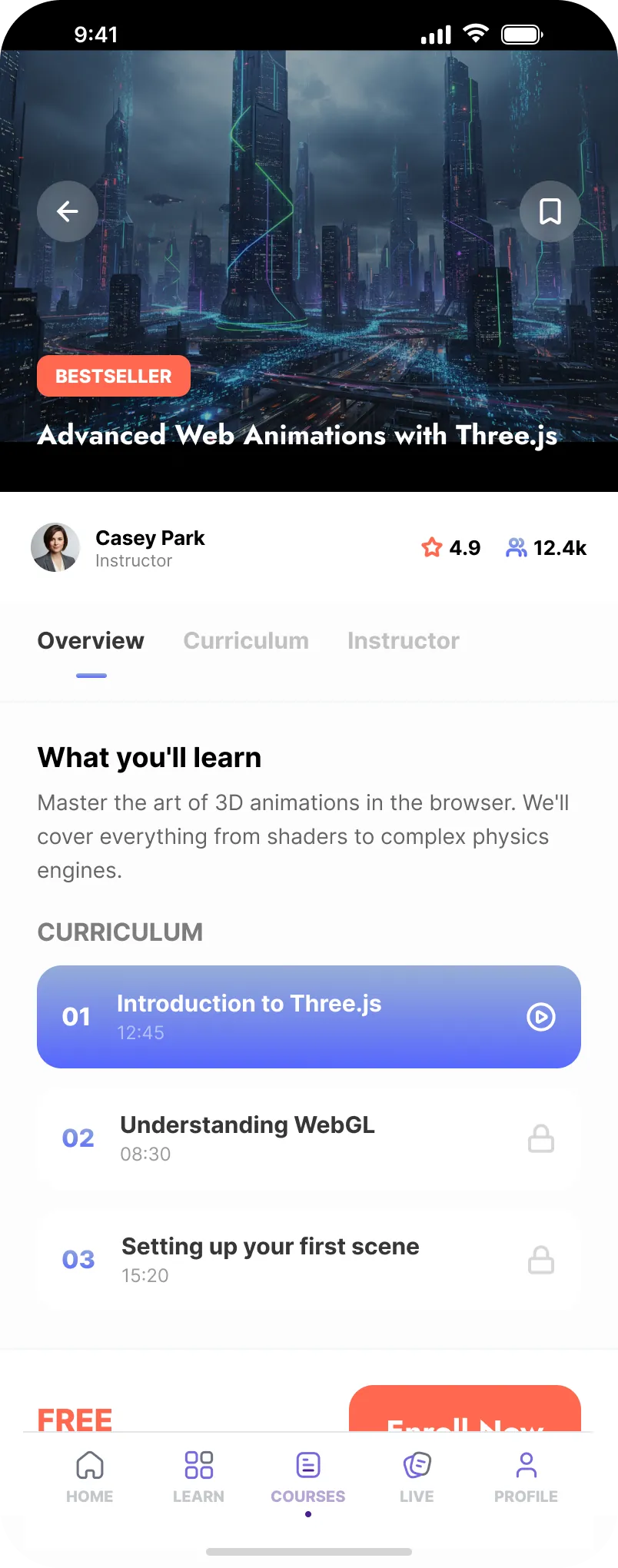
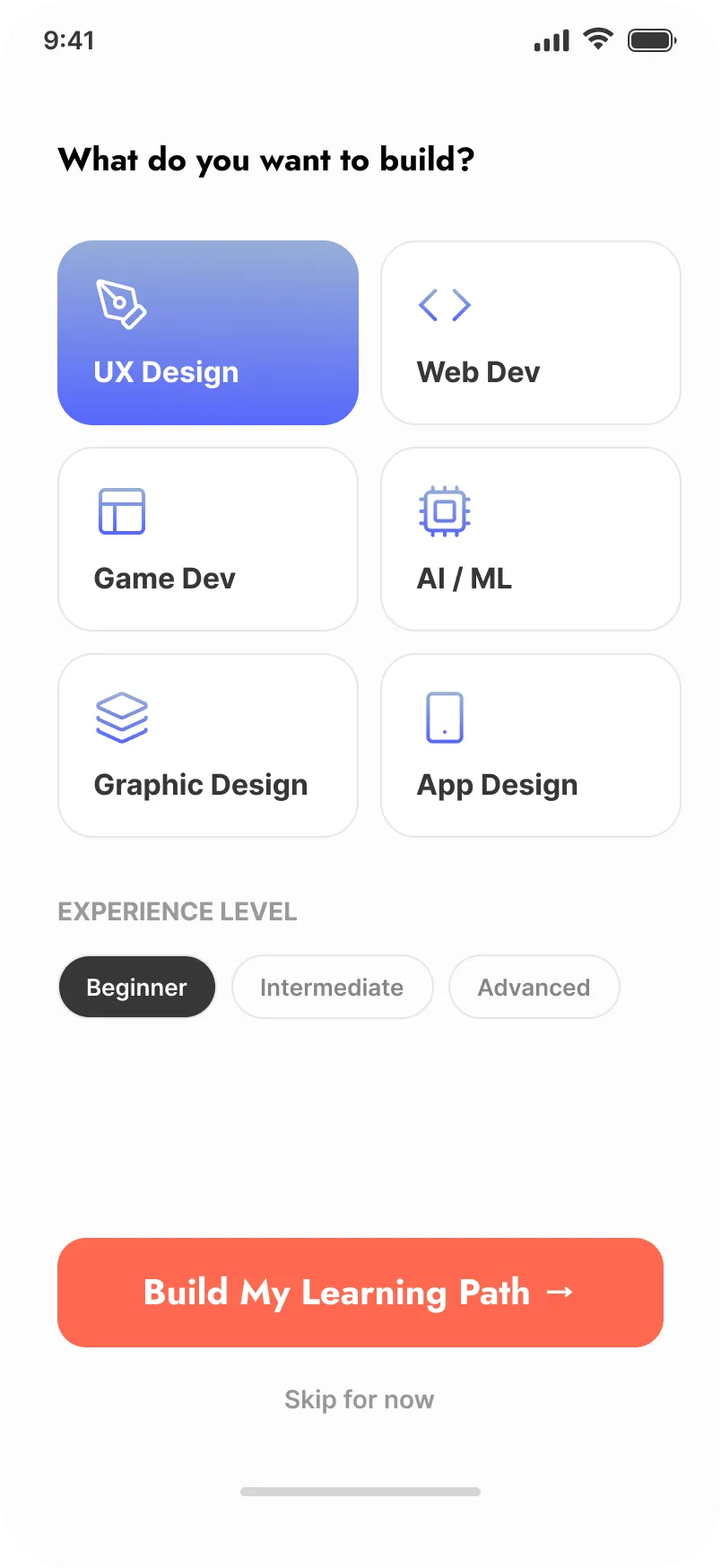
Sign-in, a "What do you want to build?" onboarding, home, courses, lesson player, certificates, live events, and profile. The teen's day-to-day surface, mobile-first.
-
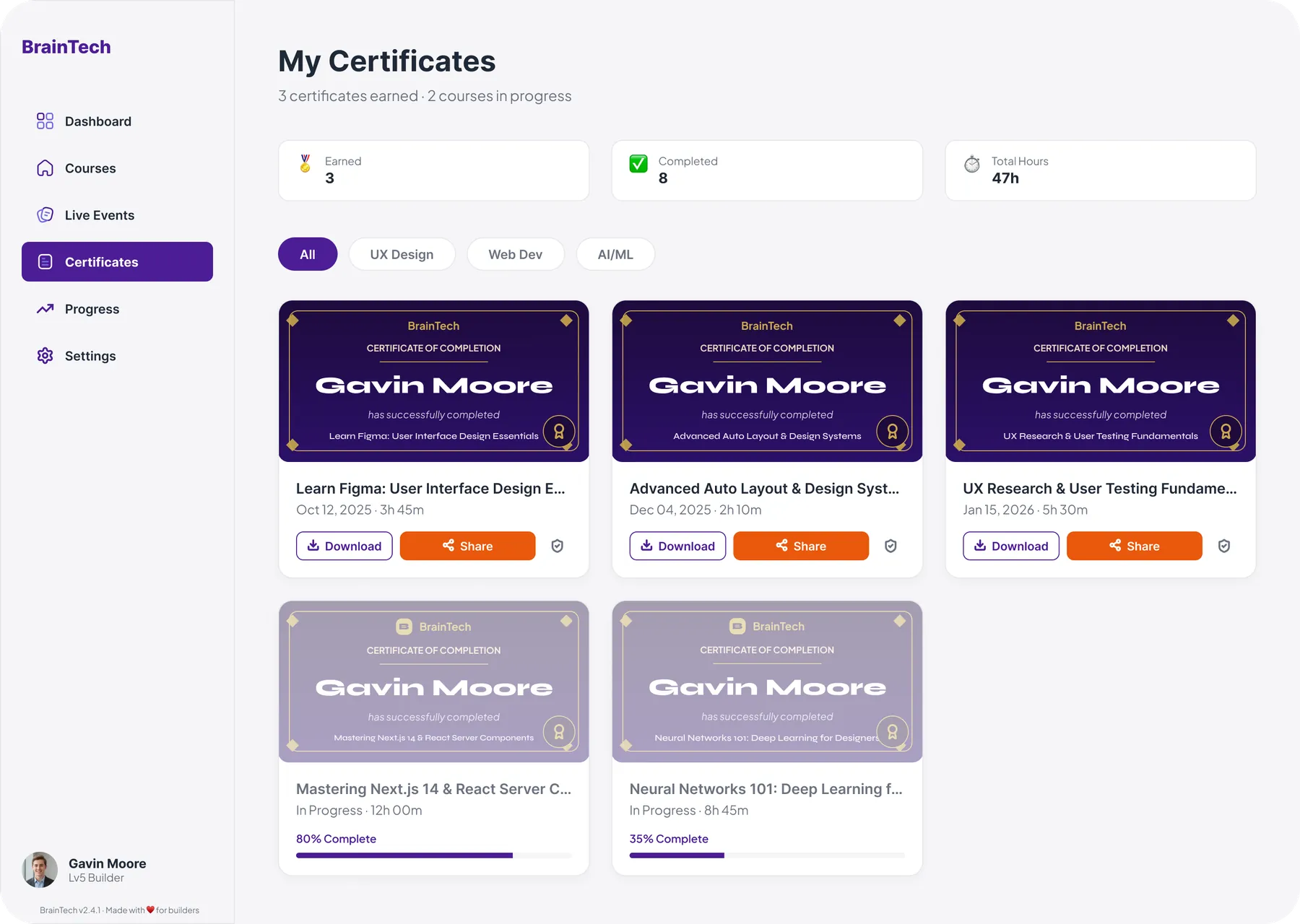
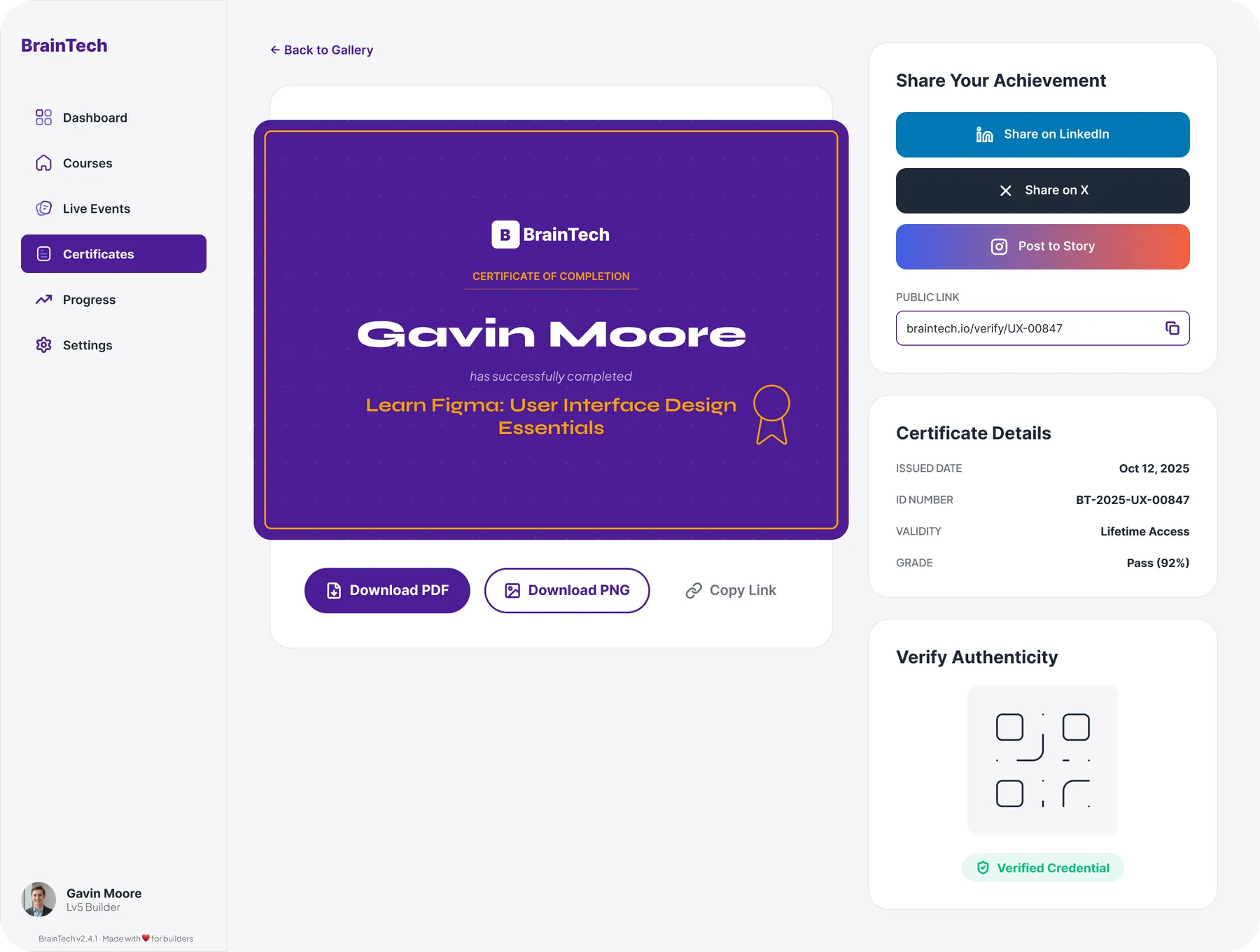
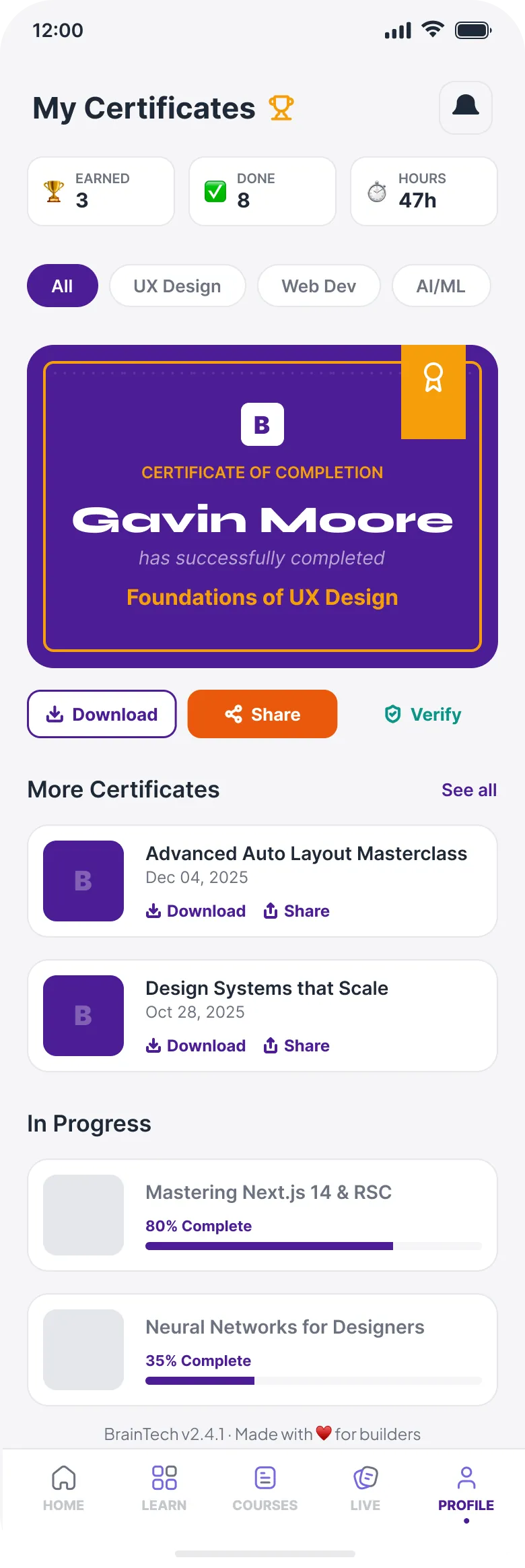
Certificates system
A shareable certificate with a verify link, QR, and real ID, plus download to PDF or PNG and share to LinkedIn or X. Designed as an artifact a teen is proud to post, on both web and mobile.
-
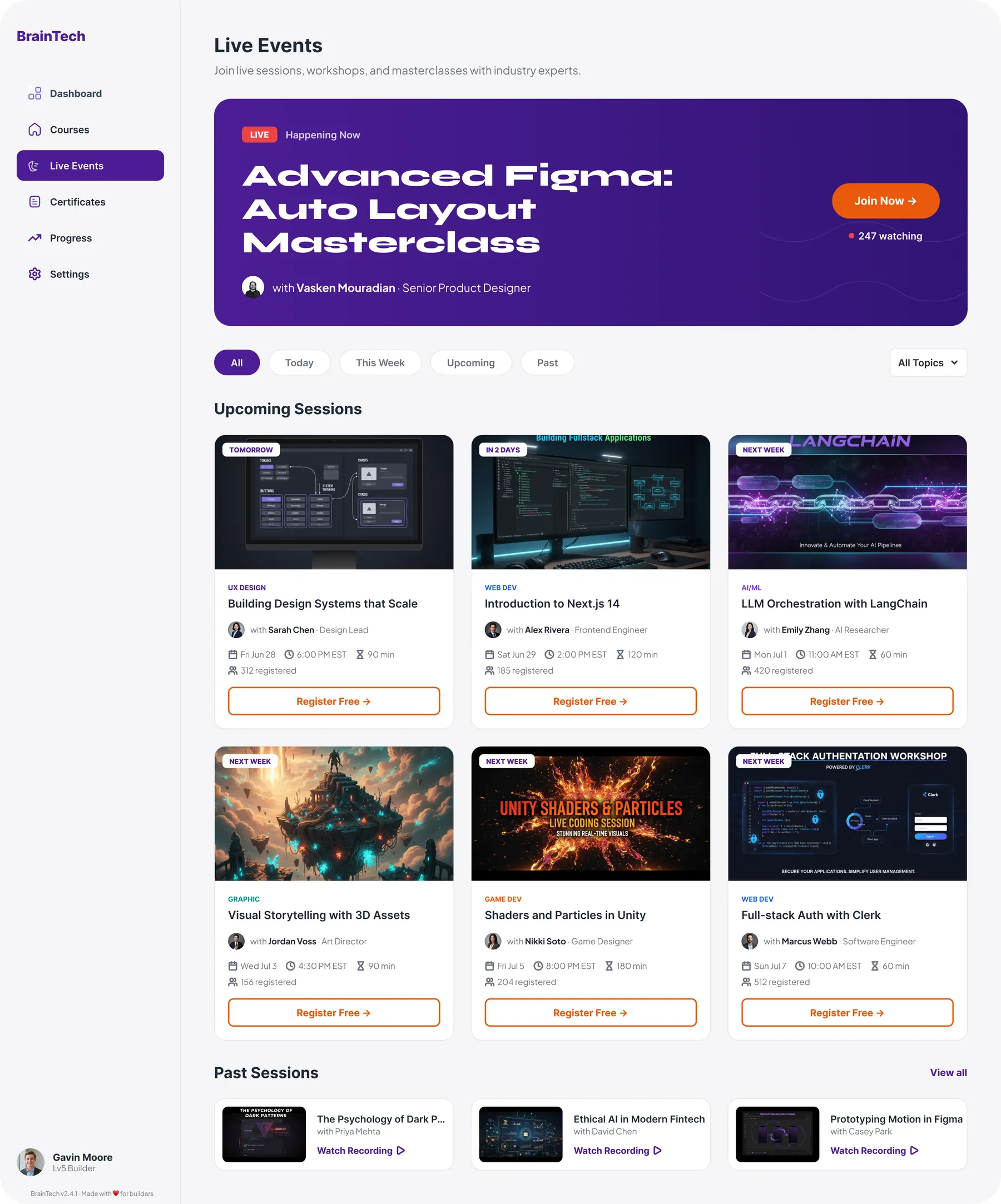
Live Events surface
A "happening now" hero, upcoming and past sessions, and register flows, on both web and mobile. Content that keeps the product feeling alive between courses.
-
Builder identity and gamification
The streak modeled on a GitHub contribution graph, Lv5 Builder levels with an XP-to-next-level bar, and the "Log back in, builder" voice running across the product.
-
Two-layout responsive system
The same tokens and components across a mobile app and a web platform, each with a layout built for its context, without forking the components.
-
Onboarding flow
A four-step interest and experience picker with visual chips instead of dropdowns, and Skip always visible so onboarding never blocks first entry.
-
Lesson player with dual modes
Video and reading as first-class tabs (Notes, Transcript, Resources, Discussion), a key-concept callout, and a course outline that tracks progress.
-
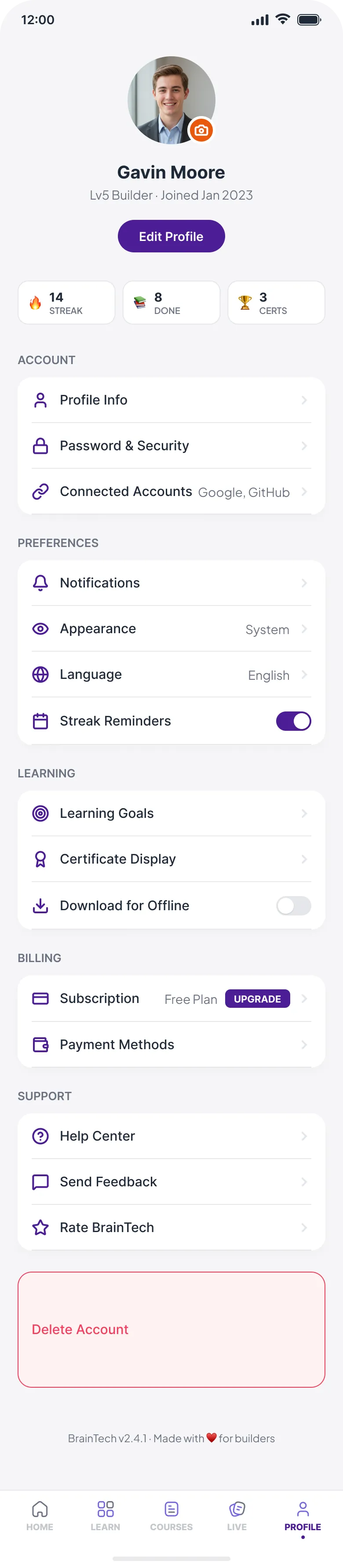
Account and settings
Profile, connected accounts, notifications, learning goals, subscription, and the danger-zone actions, consistent across web and mobile.